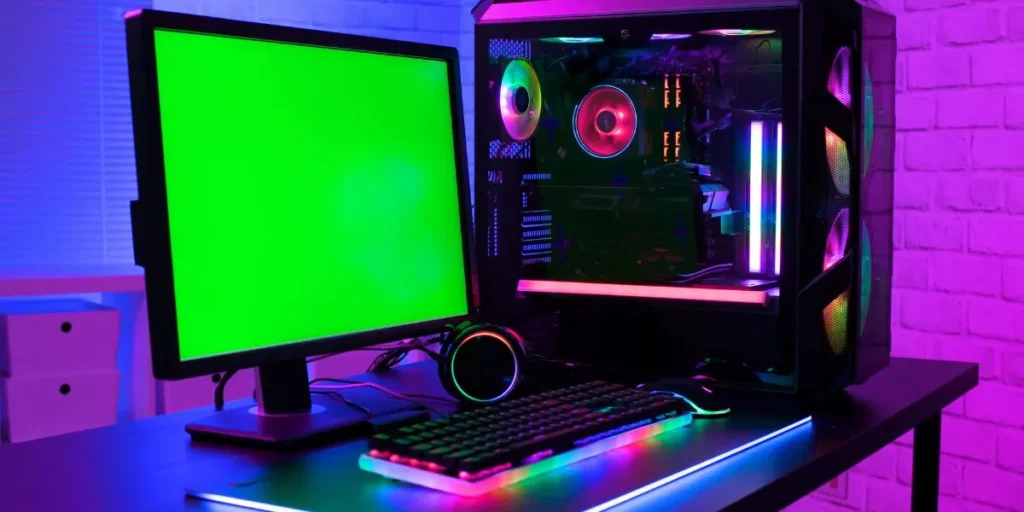
When it comes to building a budget-friendly gaming PC, making smart component choices is crucial. You’ll need to strike a balance between performance and cost, opting for mid-range options that deliver the best bang for your buck. However, selecting the right components is just the beginning of the journey to creating an affordable gaming rig. There are other essential steps and strategies to consider in order to maximize your budget without sacrificing quality. So, where do you start in this process?
Selecting the Right Components
When building a budget-friendly gaming PC, ensure you select the right components to achieve optimal performance without breaking the bank. Start with the central processing unit (CPU). Opt for a mid-range CPU from AMD or Intel that offers a good balance between price and performance. A solid choice would be AMD’s Ryzen 5 series or Intel’s Core i5 processors. These CPUs provide ample power for gaming without the hefty price tag of higher-end models.
Moving on to the graphics card, a crucial component for gaming. Aim for a mid-range GPU like Nvidia’s GTX 1660 Super or AMD’s Radeon RX 5600 XT. These cards offer excellent performance for 1080p gaming without costing a fortune. When it comes to memory (RAM), 16GB is the sweet spot for gaming. Opt for two sticks of 8GB DDR4 RAM for dual-channel performance.
Lastly, invest in a reliable power supply unit (PSU) to ensure stable power delivery to your components. Look for reputable brands like Corsair, EVGA, or Seasonic with an 80+ Bronze efficiency rating. By selecting the right components wisely, you can build a budget-friendly gaming PC that delivers a smooth gaming experience without draining your wallet.
Setting a Realistic Budget
To effectively build a budget-friendly gaming PC, it’s crucial to establish a realistic budget that aligns with your gaming needs and financial constraints. Before diving into the world of PC components, take a moment to assess how much you’re willing to spend on your gaming setup. Consider the type of games you want to play and the level of performance you desire. Setting a budget will help you prioritize where to allocate your funds, whether it’s on a more powerful graphics card for smoother gameplay or a higher capacity storage drive for all your game files.
When determining your budget, be honest with yourself about what you can afford. Avoid overspending on components that may be more than what you need for your gaming preferences. By setting a realistic budget, you can focus on finding the best value for your money without sacrificing performance. Remember, building a budget-friendly gaming PC is all about balance – getting the most out of your investment while staying within your financial means.
Exploring Cost-Effective Alternatives
Consider exploring cost-effective alternatives to maximize your budget when building a gaming PC. One way to save money is by opting for a slightly older generation of components. While they may not be the latest and greatest, they can still offer excellent performance for gaming at a fraction of the cost. Look for deals on refurbished or open-box items from reputable sources to get quality parts at discounted prices.
Another cost-effective option is to consider buying parts gradually, taking advantage of sales and promotions. By spreading out your purchases over time, you can benefit from price drops and special offers, ultimately saving more money compared to buying everything at once at full price. Additionally, consider buying components from lesser-known brands that offer comparable performance to more popular options but at a lower cost.
Lastly, consider repurposing parts from an older PC if possible. Components like the power supply, case, or storage devices may still be usable in your new build, saving you money that can be allocated to more critical components like the CPU or GPU. By being resourceful and open to alternatives, you can build a budget-friendly gaming PC without compromising on performance.
Building and Optimizing Your PC
Start by carefully selecting compatible components that suit your gaming needs and budget when building and optimizing your PC. Choose a processor that can handle the demands of modern games without breaking the bank. AMD’s Ryzen series offers a good balance of performance and affordability, while Intel’s Core i5 CPUs are also solid choices for budget gaming builds.
When it comes to the graphics card, consider options like the NVIDIA GTX 1660 Super or AMD RX 5600 XT for a blend of price and performance.
Opt for at least 8GB of RAM to ensure smooth gameplay, but aim for 16GB if your budget allows for it. A solid-state drive (SSD) can significantly improve loading times and overall system responsiveness compared to a traditional hard drive. Look for a power supply unit (PSU) that provides enough wattage for your components and is from a reputable brand to ensure reliability.
After assembling your PC, ensure that you install the latest drivers for your hardware to optimize performance. Consider overclocking your components for an extra performance boost, but do so cautiously and within safe limits to prevent damage. Regularly clean your PC to prevent dust buildup and maintain optimal airflow for cooling.
Trending Products